
Back in July of 2023, my friend Kendall reached out to see if she could hire me to help her with her digital storage and backup systems which in her words, were a mess. Some issues she wanted to address include:
- Not having access to her original Gmail account because it was out of storage from all the photos being automatically backed up to Google Photos. She had to create a new email address as a workaround to this issue and couldn’t receive emails on her original account.
- Feeling like she was paying too much for multiple cloud services while also having thousands of photos on her phone not currently backed up.
- Desiring a system where she regularly declutters her photos/videos and backs them up to a cloud service where they are easily shareable and safely stored.
Although I have never helped someone with their digital storage needs before, as a photographer (with years of practice keeping my photos organized) and a generally organized person, I knew I could be of service. We decided to begin in September not knowing that we wouldn’t finish the job fully until late January of the following year. After 10 sessions that encompassed 14 hours (not including my research or Kendall’s many hours of ‘homework’), we finally solved her digital issues and then some. Here is what we accomplished:
- We gathered all of Kendall’s digital photos from Dropbox, Google Photos, and iCloud and copied them onto a new external hard drive. This alone involved a lot of troubleshooting since some of these programs make it very difficult to extract your photos (looking at you Google Photos…).
- I then had Kendall take advantage of her Amazon Prime membership that she was already paying for. Did you know that a perk of being a Prime member is free, unlimited, full-resolution photo storage?! Boom! Kendall also added the smallest video storage package which costs $19.99 for 100GB of video storage. If she needs more space, she can get the 1 terabyte of storage for $59.99 (this is what I use and right now my 3k videos use up 20% of the 1T).
- Kendall learned how to use the Amazon Photos app to move her iPhone photos from her phone to her external hard drive via Amazon Photos.
- Now that we had all of Kendall’s photos in one place, we then used a program to find and eliminate any duplicates of which there were many (I believe we deleted 6k out of 11k).
- Next, we used a program to organize all her photos chronologically! This is one of my favorite parts of this process. All of the photos and videos are put into monthly and yearly folders in order and it is oh so beautiful! Okay… maybe not all of the photos. One problem that comes up when moving all these files around is that the original metadata doesn’t always reflect when the photo was actually taken. Cue Kendall spending hours of her time to sort photos and videos manually. This is all part of the fun people! (JK but it is a necessary evil).
- Once everything was nicely organized, we backed up the organized photo hub to Amazon Photos. Now, Kendall has access to all of her photos and videos over the years from any computer, tablet or phone and can use fun features like facial recognition and can even search her photos with words like “cat” or “beach” to easily find photos she is looking for.
- Next we decided on a weekly back up routine that Kendall would do every Sunday. First, Kendall will declutter her camera roll, deleting any excess and pairing down to her favs. Then, she will back up her photos to Amazon Photos and also backup those photos to her external hard drive. (I personally back up to Amazon Photos weekly but only back up to my external hard drive monthly.)
- Once all of this was completed, Kendall was ready to break up with her Dropbox subscription which was costing her $120 annually. Minus the $20 for Amazon Photos video storage and that is $100 in savings annually! Hip Hip, Horray! One bonus from this Dropbox breakup was that we freed up storage space on her laptop which was incredibly useful because there wasn’t much free space left.
- We also were able to stop Google Photos from automatically backing up her photos which freed up her original Gmail account. Phew! These are the adulting stressors that keep us up at night and I am so happy for Kendall to not have this issue taking up any more mental bandwidth!
- There were also many tips and tricks learned throughout our 4 months of sessions. We learned how to delete items on a Mac without dragging the file to the trash icon (Command Delete!), how to hide/view the status bar in Finder that shows you how many items are in each folder and many other useful techy tidbits.
- One lesson that was learned is the difference between sync and backup. Many people are confused about this and think that if they pay for iCloud storage, they are ‘backed up’ and that their photos are safe on the cloud. This is not a backup but a sync. A sync means you still only have 1 copy of your photo but now you can access it from all your devices. If you delete that photo on any of those devices, you are deleting the original. A backup is when you create another copy of your photo. In order to be truly backed up safely, it’s best to follow the 3-2-1 rule. Keep 3 copies of your files, use 2 different media types and keep at least 1 of those copies offsite (ex. the cloud).
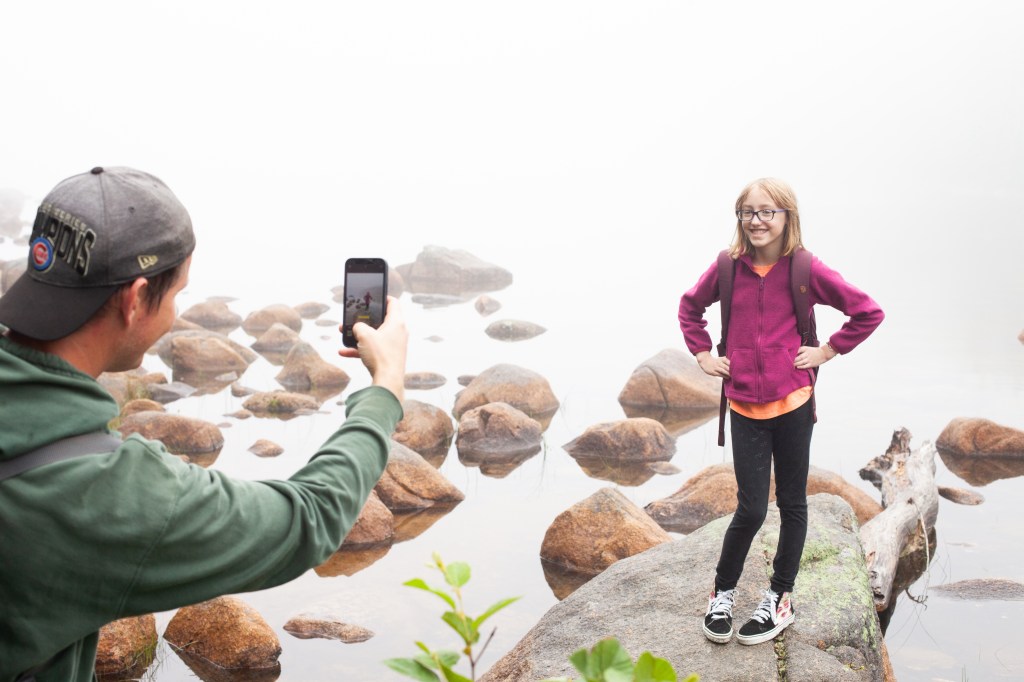
I feel so happy for Kendall to now have a system in place where she is able to stay on top of her digital life moving forward. My generation is in an interesting position where we were raised by parents that used film cameras, then we moved on to digital cameras, and for the last 16 years our phones have been our cameras. We take more photos than ever but rarely print them and feel overwhelmed when we try to use them to make a family yearbook or if we need to find a certain photo. We also have the added task of being gifted scanned or physical photos from our parents that we want to keep safe but it feels daunting considering we don’t have a handle on our own growing mountain of photos.
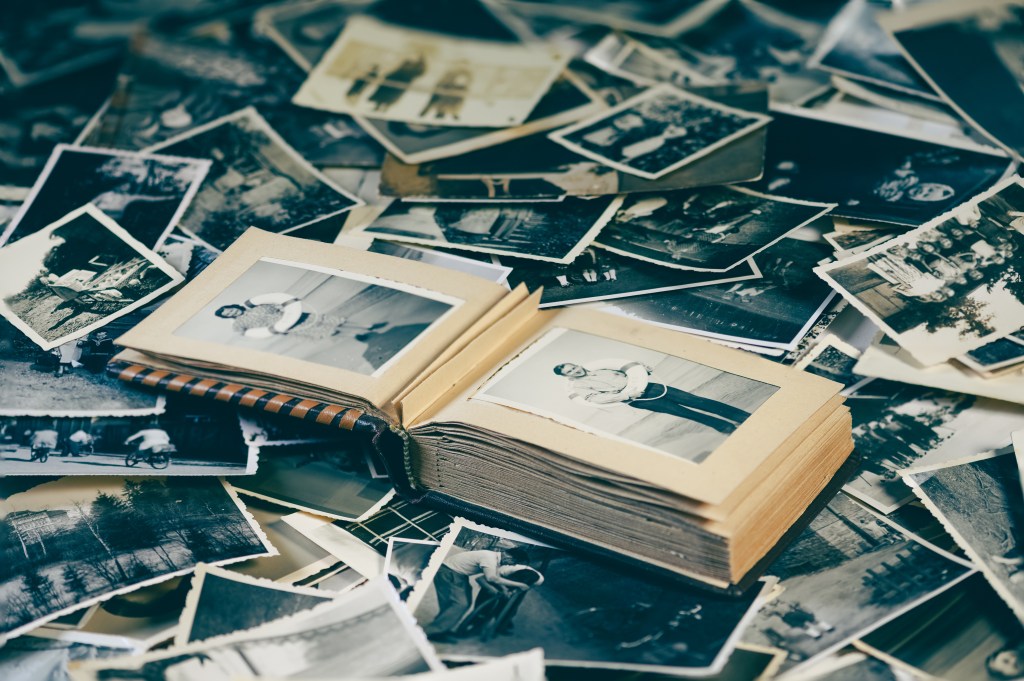
The longer we wait to organize our digital shit show, the worse the problem is going to be. The sooner we create a system that works, the easier it will be for our future selves and the generations after us. Imagine never getting your shit together and then passing on 50k+ digital photos and videos to your children. There is no way they are going to take the time to organize and enjoy all those photos have to offer as they will be trying to manage their own digital collection which they started at a much younger age than we did! Okay, sorry I got a little mean there. I am just trying to motivate you to begin the work that is necessary so that you can enjoy your photos and videos in the way they are meant to be enjoyed. Please don’t hesitate to reach out if you need help in this area! While I don’t have any official training in this area, I do pride myself in knowing a lot about this subject and am determined when pesky troubleshooting issues rear their ugly heads.
 MAKE THE DAMN BED
Thanks Abby, I found that really interesting and useful. I too suffer from the problem of old pictures that I digitized from slides and their dates register when I saved them not when the pictures were taken, and I have so many. I would have to go in and change the date on way too many of them.
LikeLike
I’m so glad to hear this was useful for you Jody! Do you have adobe bridge by chance? It makes it easier to change the metadata and you could do multiple at a time.
LikeLike